CHECKLISTS

CHECKLISTS
With NEXT-BIM checklists, quickly inspect lists of objects in Augmented Reality. A 3D guidance system leads you from object to object to check, validate or invalidate in one click.


Accelerate your inspections thanks to intelligent 3D guidance and validate the object in one click.
Thanks to highlighting of elements to inspect, you don’t forget any object.
Object statuses are immediately identifiable thanks to a predefined color code.
Each inspection is time-stamped, geolocated and exportable in BCF, Excel or Word.
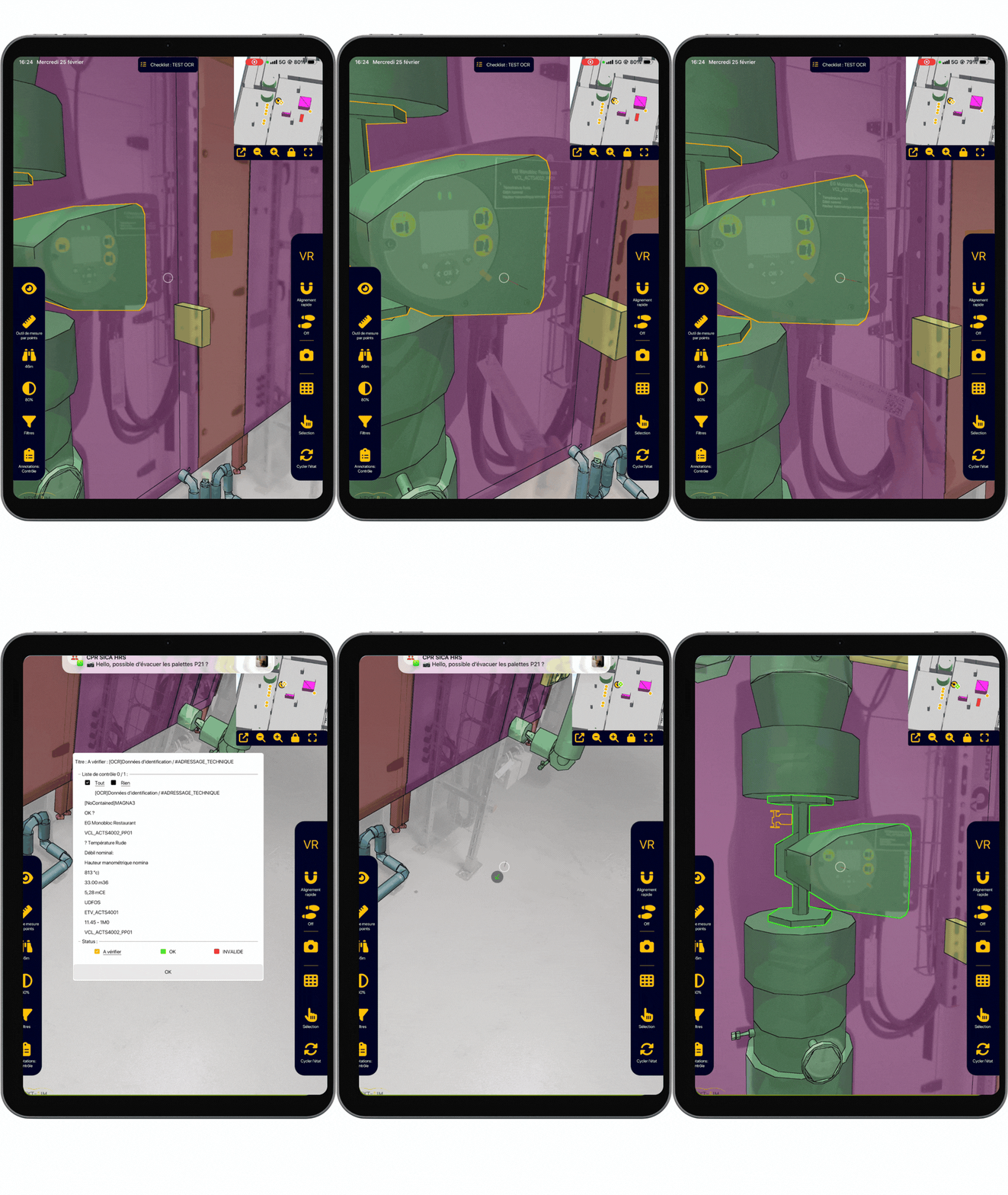
The checklist tool transforms your field inspections into a smooth, precise and fully visual experience.
Let yourself be guided by a 3D arrow toward each object to inspect. In one click, validate or invalidate the object according to one or more criteria, add one or several photos, measurements and comments if needed. Reports containing the results of your inspection are immediately available in different formats: BCF, Excel and Word.
You obtain a comprehensive inspection without any omission.
The checklist is highly effective in many use cases such as:
(*) up to 1500 m² per hour, ~300 reservations per hour





Yes, lists can be created and adapted from the iPad Pro.
Yes, they appear in Word, Excel and BCF exports.
Yes, the Configurator allows defining custom criteria for each list.