DYNAMIC OBJECT MOVEMENT

DYNAMIC OBJECT MOVEMENT
Move your BIM objects dynamically in AR to control volumes, measure differences between reality and the project, and organize your space directly on site.


Validate on site the real feasibility of layouts, without interpreting drawings or assumptions. You instantly know whether it fits… or not.
Visualization in Augmented Reality reveals space conflicts before installation. Errors are corrected before fabrication or installation, not after.
Test, adjust and measure directly on site. No more back-and-forth with the design office or multiple measuring tools.
All stakeholders involved in the project visualize and understand the same situation at 1:1 scale before collaboratively validating the decision.
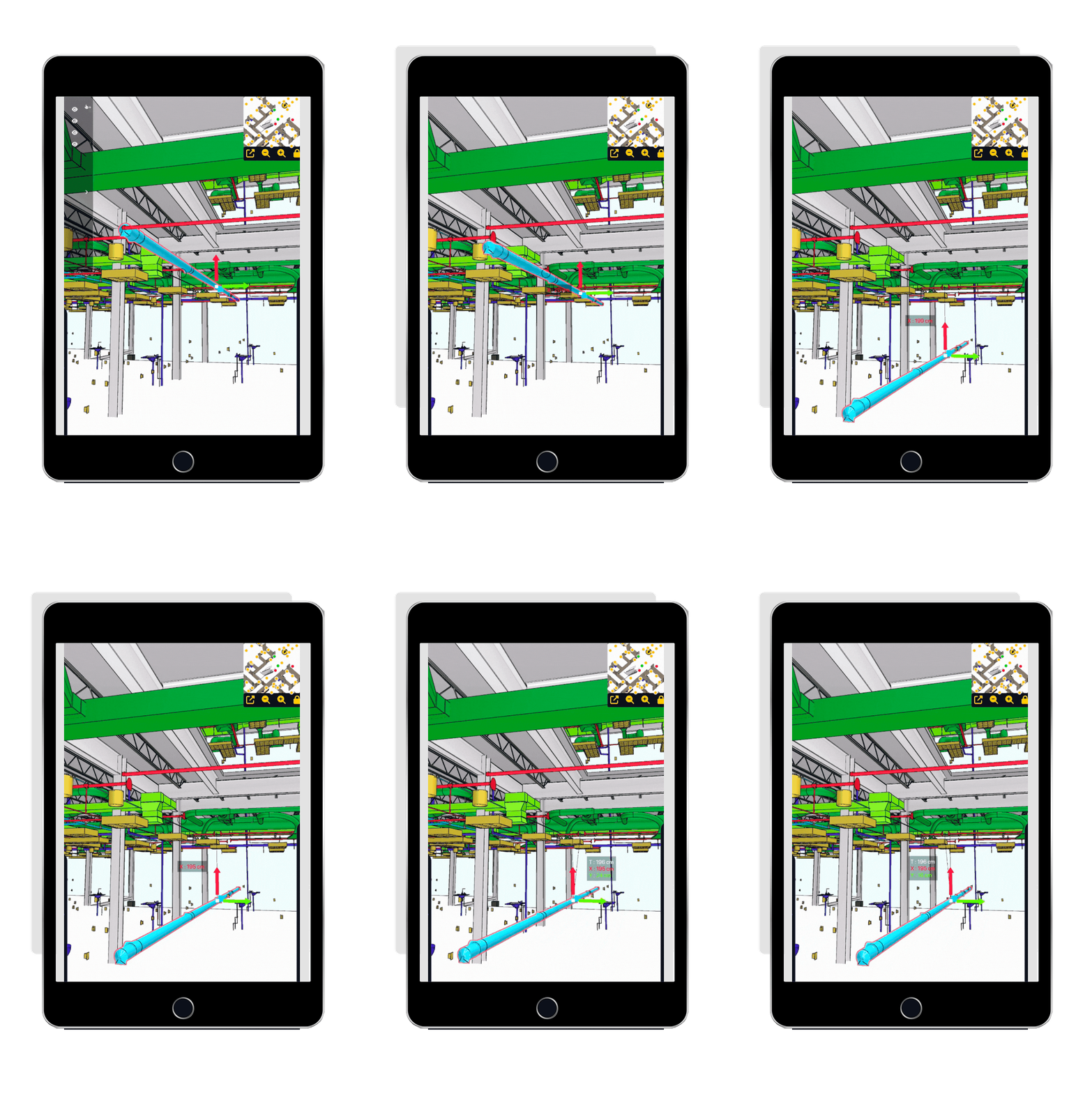
The dynamic object movement tool transforms the model into a true field decision tool.
You no longer just look at a project — you verify it in real space before installation and after completion.
Visualize equipment at real scale and immediately verify circulation paths, maintenance access, clear heights or safety zones.
You validate feasibility before execution.
Directly compare the position of the real object with its position in the model. Measure offsets, identify installation errors and correct them before they become costly rework.
Move, adjust and test different positions in seconds.
Teams collectively validate the best solution without modifying the model in the office.
Thanks to an intuitive interface, you can select one or several BIM objects, move them simultaneously or independently, and adjust translation and rotation.
Faster decision-making, more visual and without detours.




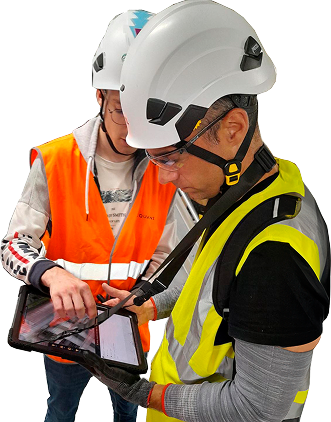
Yes, you can select one or several objects and move them simultaneously.
No, modifications are temporary for testing purposes. The source model remains unchanged.
Yes, movements can be annotated and exported as a report (Word, Excel, BCF).