Verify technical data linked to an object.
TECHNICAL INFORMATION TOOL

TECHNICAL INFORMATION TOOL
Instantly consult all technical information from your BIM model (BIM properties, PDFs, etc.) directly on site. In one click, a clear and structured panel displays all available data.


Information is accessible directly on the related object.
Each decision relies on real, up-to-date technical data.
Technical sheets and PDF documents are instantly available.
All information remains linked to the object and available to everyone.
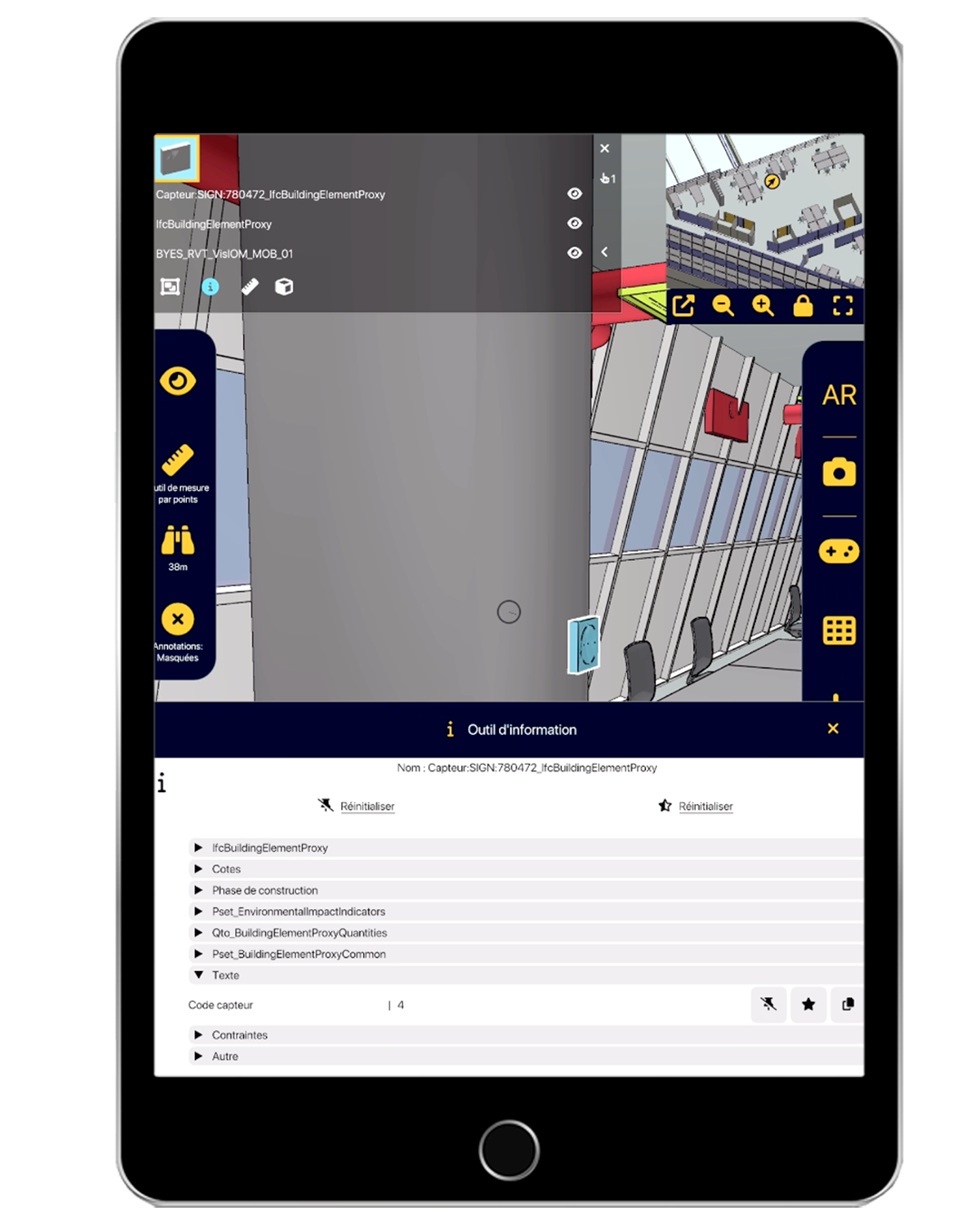
Reading technical information in NEXT-BIM allows access to all BIM data of a project directly on site.
By selecting an object in the model, you open a complete information sheet: dimensions, materials, product references, classification, phases, statuses or identifiers.
All information is automatically extracted from the BIM model and accessible without an Internet connection.
The interface, designed for field use, offers simple and smooth navigation to consult technical data in one click.
Teams benefit from a reliable, comprehensive and always up-to-date source, without returning to the office.




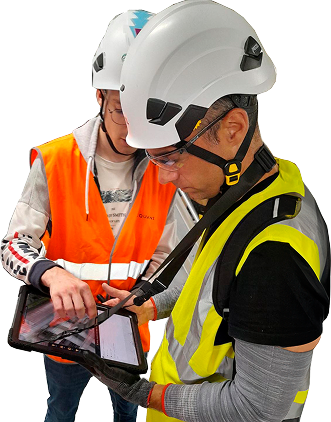
Unique alignment technology
Supported formats: IFC, NWD
Devices: iPad Pro, HoloLens 2
Offline mode
openBIM compatible
No data stored in the cloud
No. In NEXT-BIM, property reading is intentionally passive in order to guarantee the integrity of the digital model. Parameter modifications therefore remain performed in the original BIM software.
However, NEXT-BIM allows going further in field control thanks to an OCR feature. This feature makes it possible to scan a real label on site and automatically compare the recognized text with the information contained in the model. It then becomes possible to verify the conformity of a code, equipment identifier, room number or any other parameter physically displayed on site.
This verification can work in both directions: checking that the on-site label matches the model data, or conversely verifying that the model data is consistent with the label actually installed.
OCR can also be used to retrieve text present on real labels and generate an exploitable file, in order to facilitate the addition or updating of these parameters in the BIM model.
Yes, all properties included in IFC & NWD files are readable in NEXT-BIM.